


Windows 10 stops
Windows 10 support ends: switch safely to Windows 11 with Dubbelgaaf
As of Oct. 14, 2025, Microsoft will stop supporting Windows 10. This means there will be no more security updates and your computer will become vulnerable to viruses, hackers and other risks. At Dubbelgaaf, we’re happy to help you make a safe and future-proof transition to Windows 11. Check with the free Microsoft PC Health Check to see if your PC is suitable and discover our range of reliable refurbished computers with Windows 11.
Want to know if your PC is compatible? Microsoft’s free PC Health Check will tell you right away. And if your current system isn’t ready for Windows 11, we have reliable, competitively priced refurbished computers with Windows 11 ready for you.
What does the end of Windows 10 support mean?
Starting October 14, 2025, many things will change for those who continue to use Windows 10:

No more security updates
Vulnerabilities are no longer being fixed. You’re at greater risk of viruses, ransomware, and other digital threats. Antivirus software helps, but it no longer offers complete protection.

Less software support
More and more new programs—such as browsers, Office, or creative tools—are no longer being developed for Windows 10. Updates to existing software may also stop. Even cloud services like OneDrive or Dropbox may be discontinued.

New hardware may no longer work
Consider printers, graphics cards, or other peripherals for which Windows 10 drivers are no longer being developed. As a result, you may not be able to use new hardware without upgrading.

Privacy and compliance issues for businesses
Outdated systems may violate regulations like the GDPR, posing legal or financial risks.

More bugs and system issues
Microsoft is no longer fixing bugs or slow performance. Your system may become unstable or crash more often.

Less support from IT professionals
Many IT professionals and help desks no longer offer support for Windows 10.
Why switch to Windows 11?
A computer with Windows 10 may continue to work for a while, but the risk is increasing.
Windows 11 does offer:
-
Better security
-
Support for modern software and hardware
-
Regular updates
-
Better performance and energy consumption
Is your PC suitable for Windows 11? Here’s how to check:
Microsoft has set certain requirements for PCs that can run Windows 11, such as a TPM chip or a specific processor generation. The free PC Health Check tool lets you see immediately if your system meets these requirements.
Step 1: Download the tool
Go to the official Microsoft website and download the PC Health Check app. You can do so via this link.
Step 2: Install and run the check
Follow the installation instructions, open the app, and click “Check now.” You’ll immediately see if your PC is ready for Windows 11.
Step 3: Can’t figure it out? We’ll help you for free.
Having trouble or don’t understand the result? Request free assistance. One of our team members will remotely review your results.
Not suitable for Windows 11? Choose a refurbished alternative
Is your PC not suitable for Windows 11? Then it’s time for something new—or rather, something reliable and affordable. At Dubbelgaaf, you’ll find refurbished computers and laptops that are ready for the future.
Why choose refurbished from Dubbelgaaf?
-
Sustainable and good for your wallet
-
Up to 60% cheaper than new
-
Windows 11 is fully installed and ready to use
-
Includes 2 year warranty
-
Thoroughly tested and professionally inspected
One year extension
With pressure from European consumer organisations has Microsoft recently decided to make the Microsoft ESU-programme available. That means that you will get one year of free updates for Windows 10.
Important: This only applies if your computer is fully up-to-date and you are required to use a Microsoft account.
Want to know if your laptop or PC is eligible? Or would you like us to take care of the necessary steps for you? Then contact our workshop.
Desktops with Windows 11
-
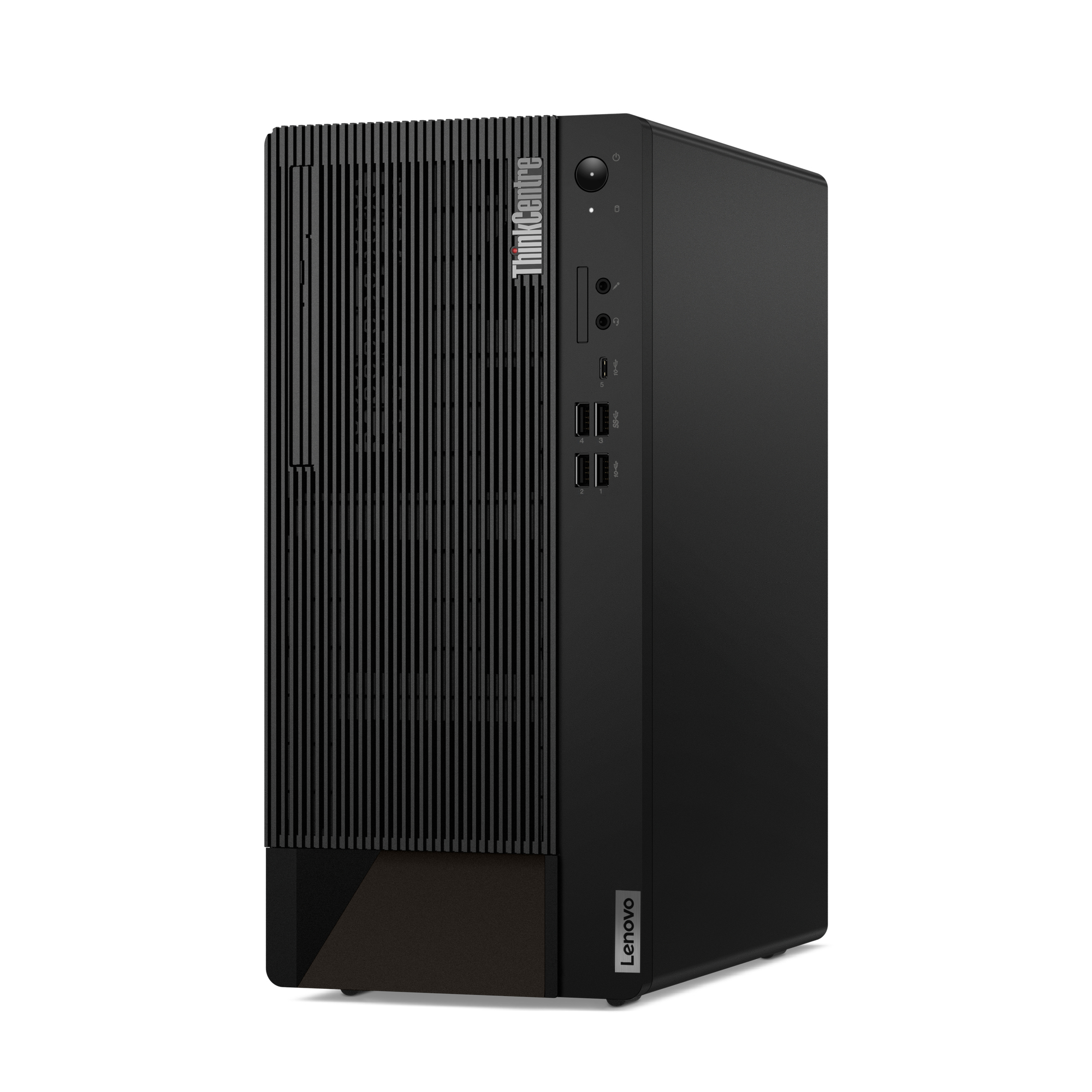 Lenovo ThinkCentre M90t€ 899,00
 -
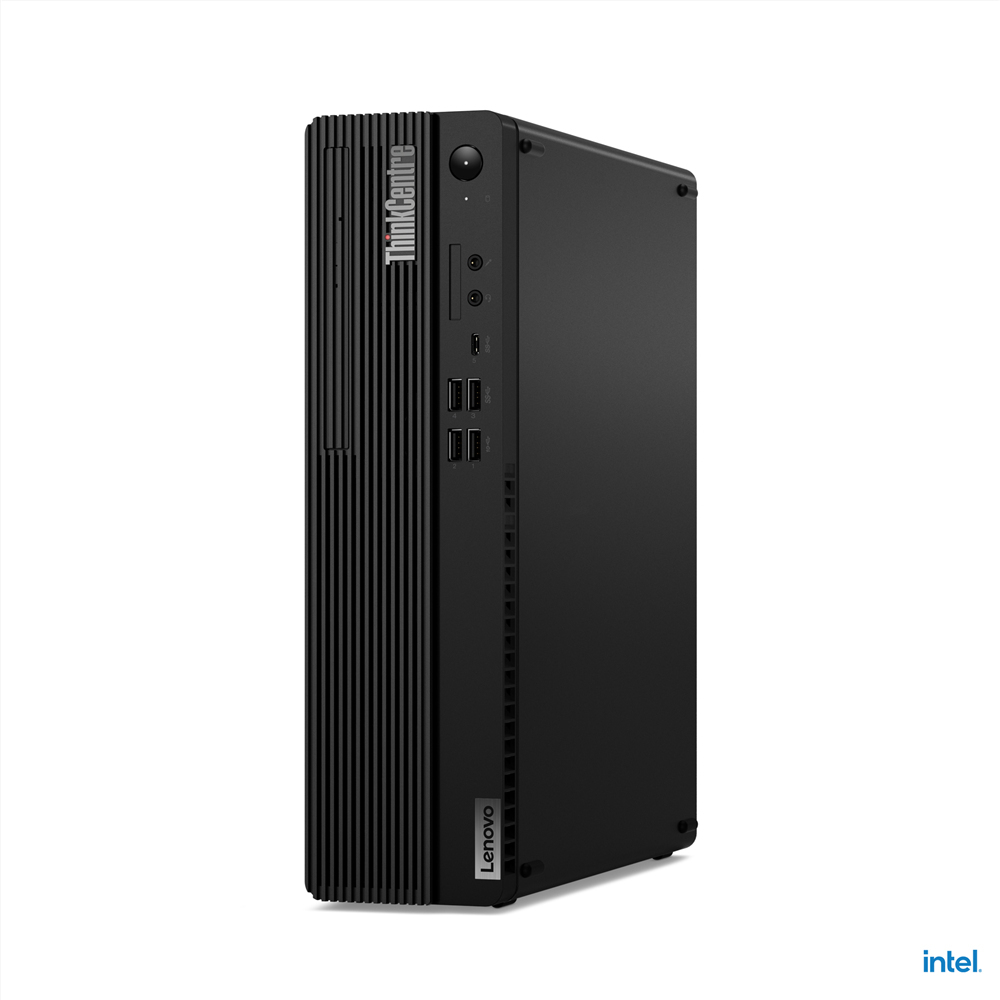 Lenovo ThinkCentre M70s Gen 5€ 799,00
 -
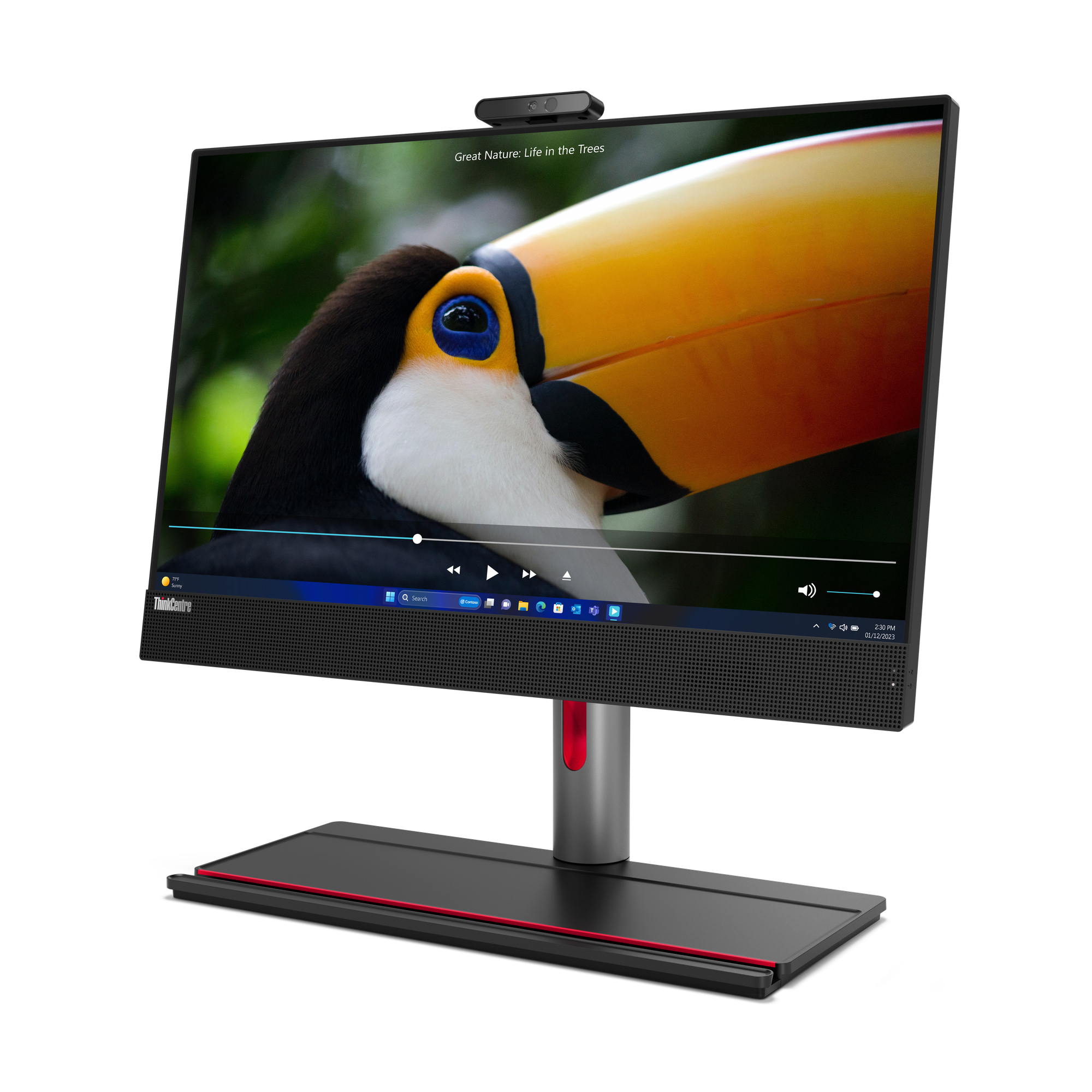 Lenovo Thinkcentre M90a Gen 5 AiO€ 799,00
 -
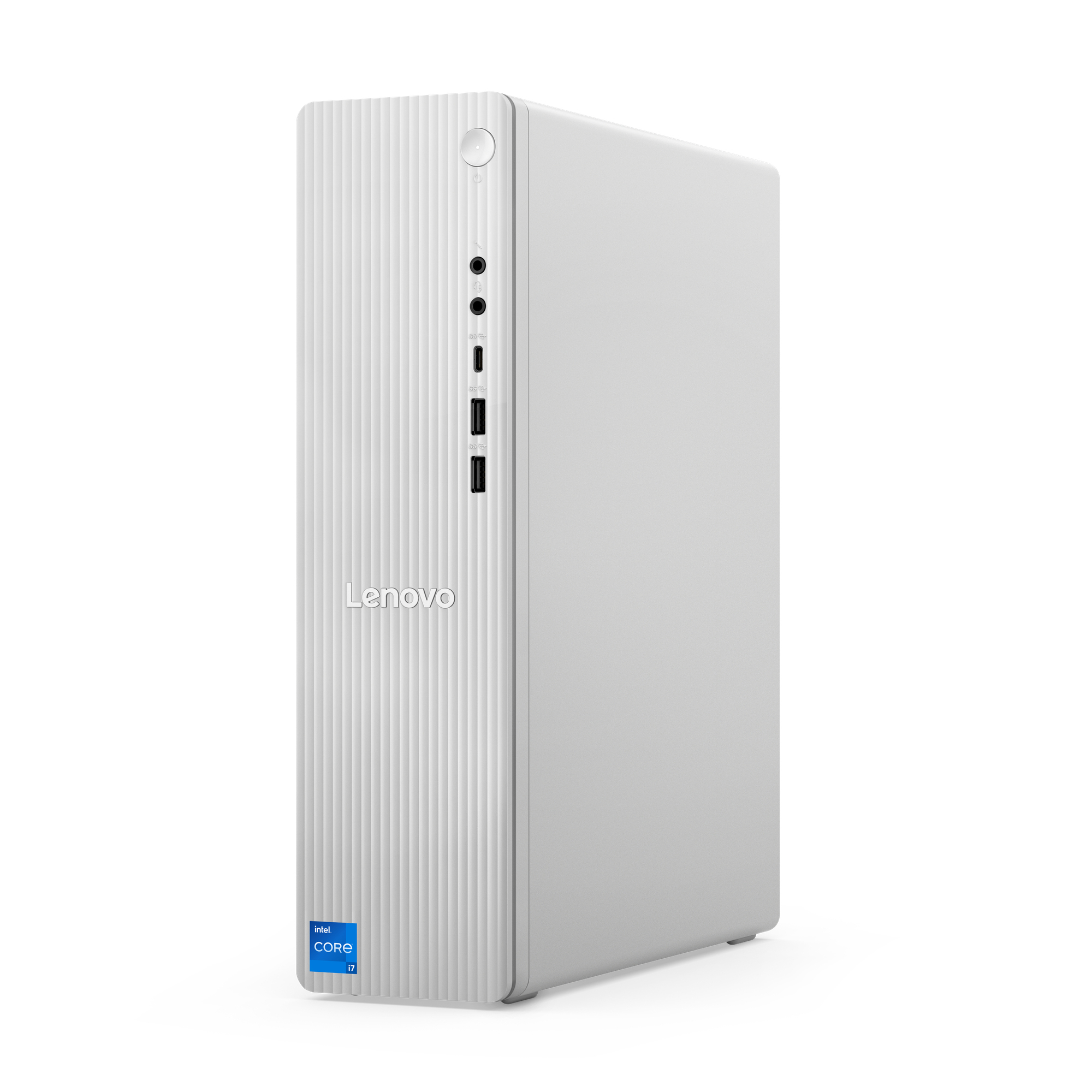 Lenovo IdeaCentre 08IRR9€ 699,00
Laptops with Windows 11
-
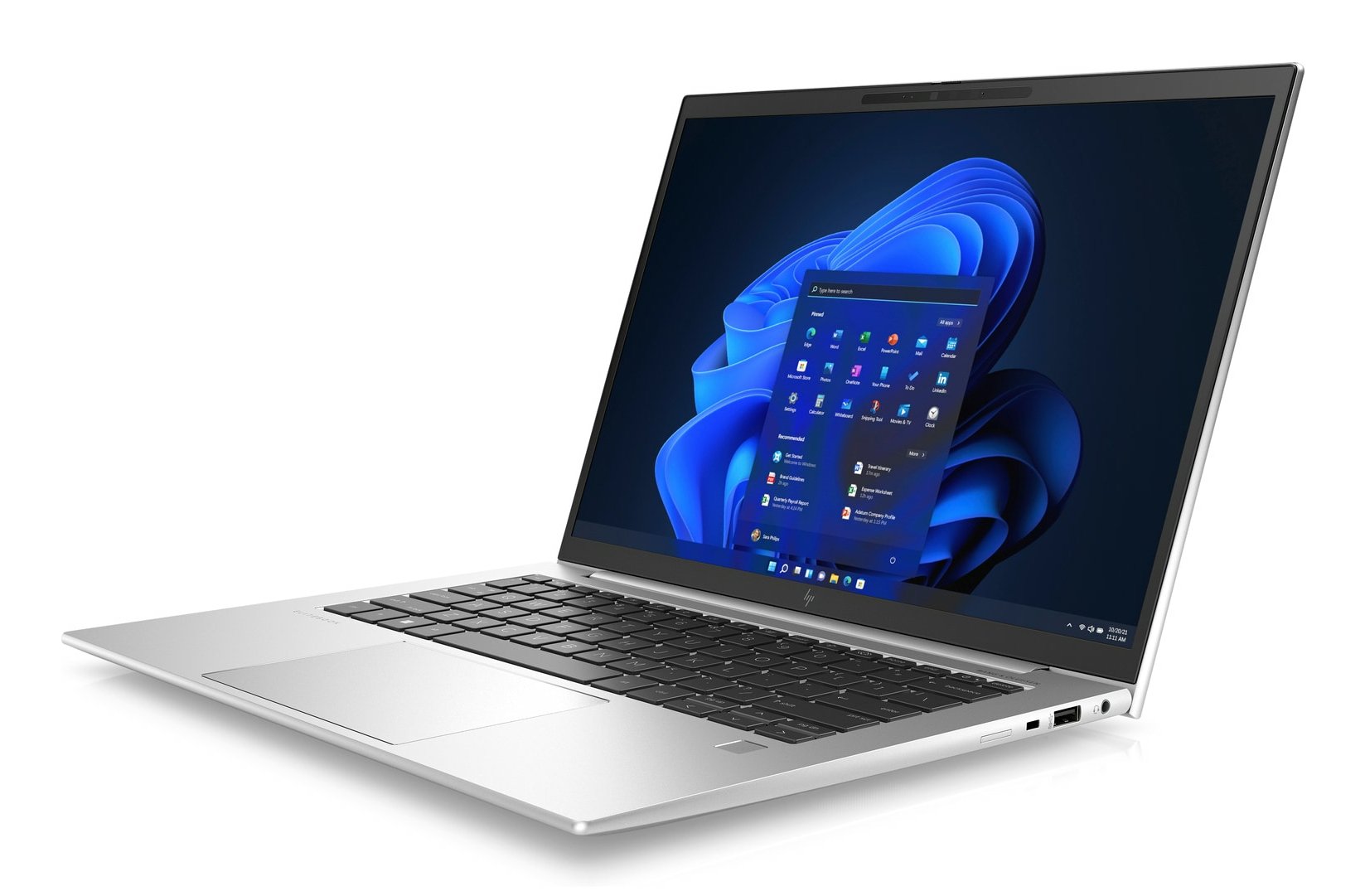 HP Elitebook 840 G9€ 499,00
 -
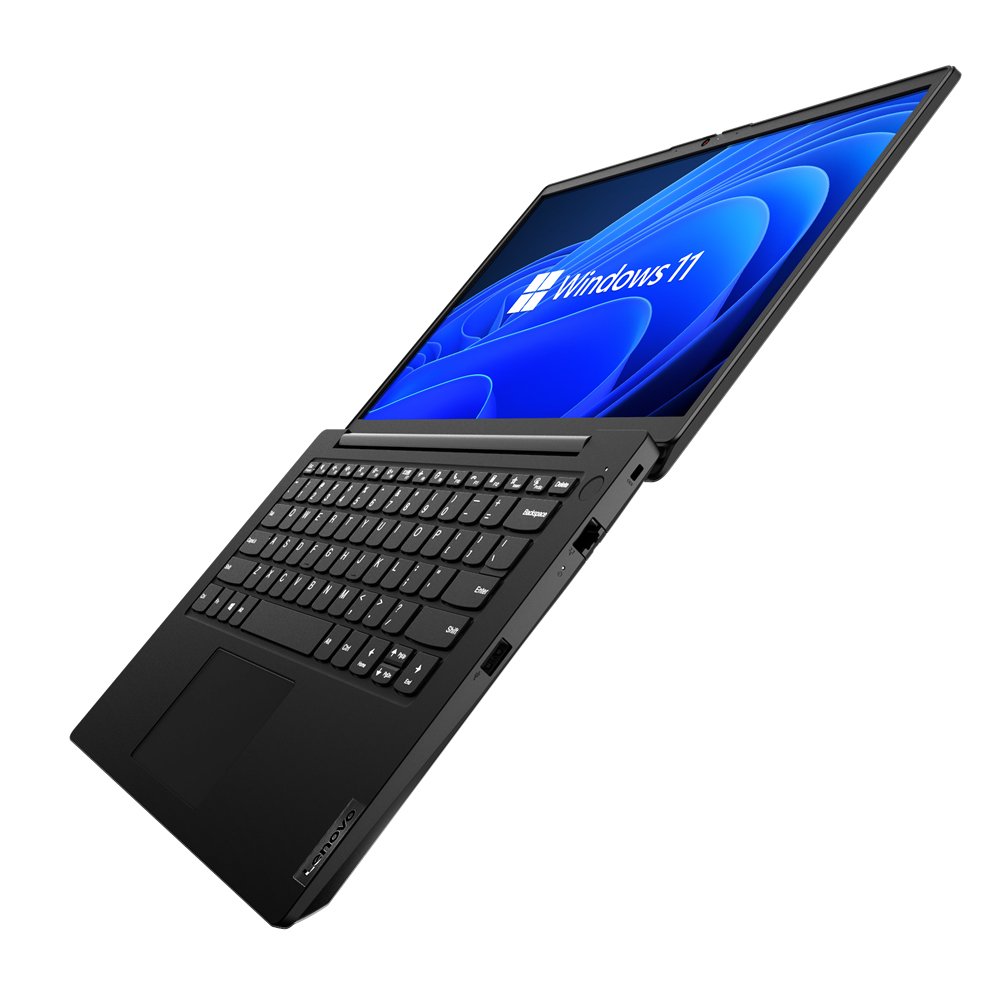 Lenovo K14€ 399,00
 -
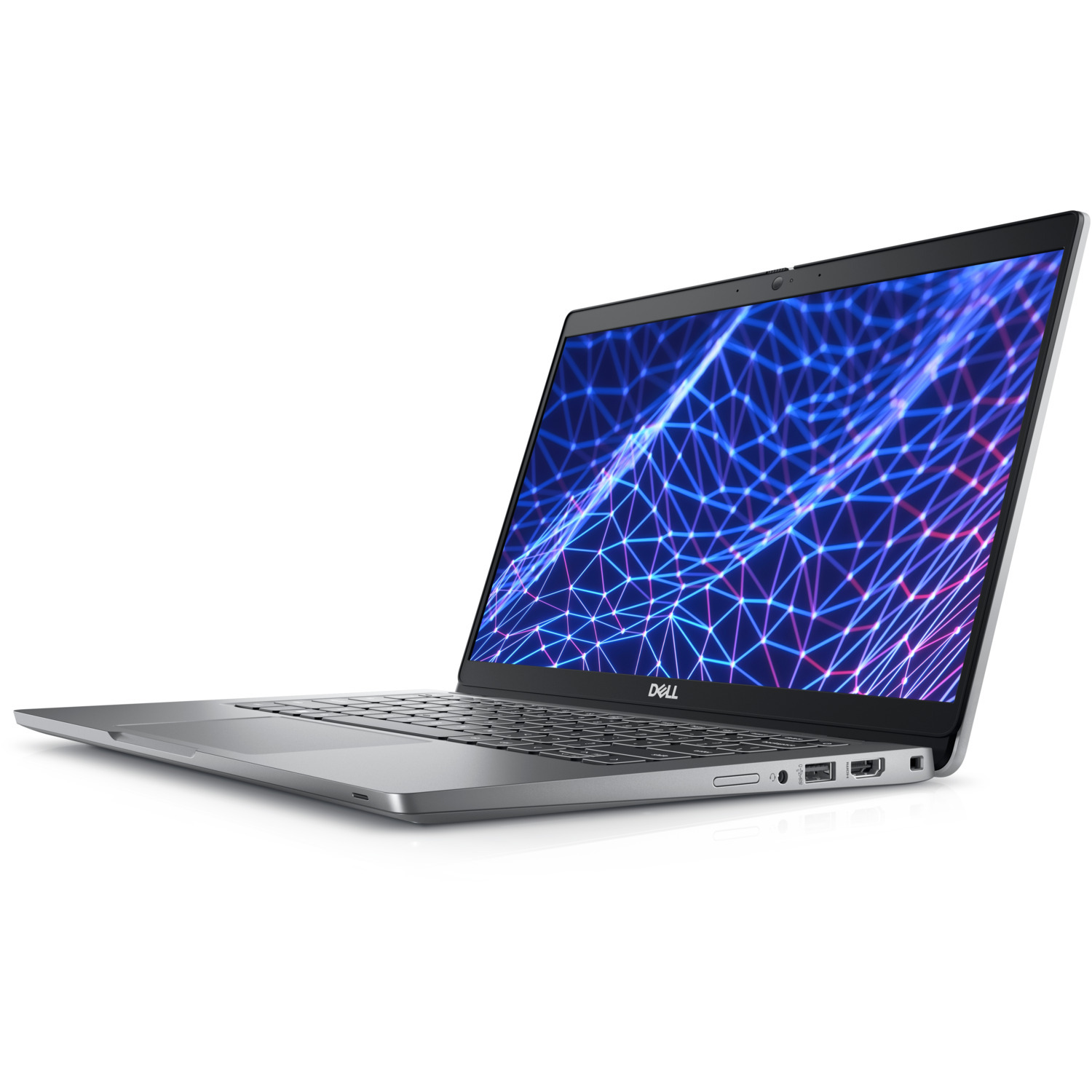 Dell Latitude 5330€ 449,00
 -
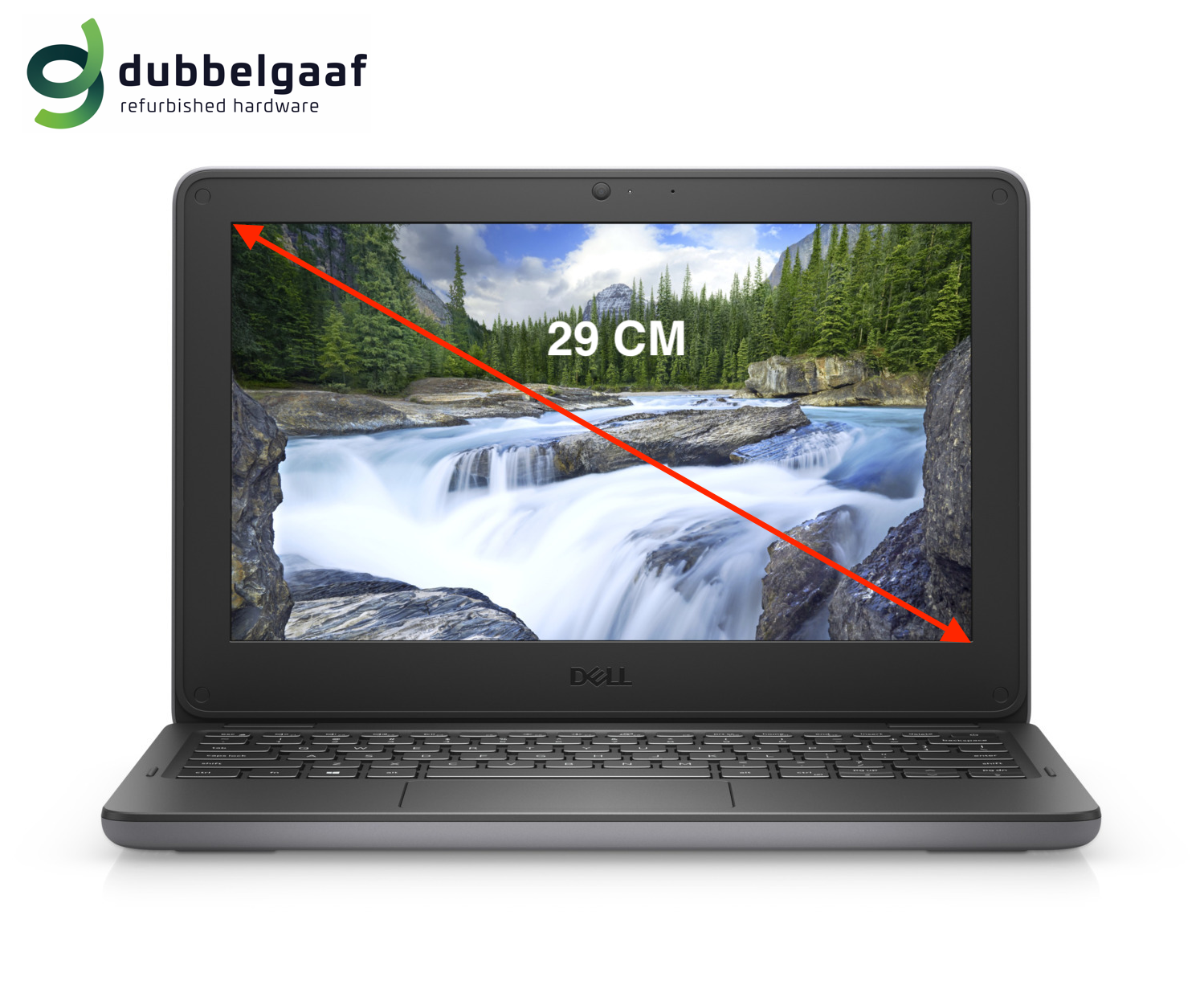 Dell Latitude 3140€ 299,00